
Connect your Revolut Business bank account to Finotor

When you connect your online bank accounts to Finotor for centralized financial management, transactions are automatically uploaded and categorized. All you have to do is review and approve the transactions.
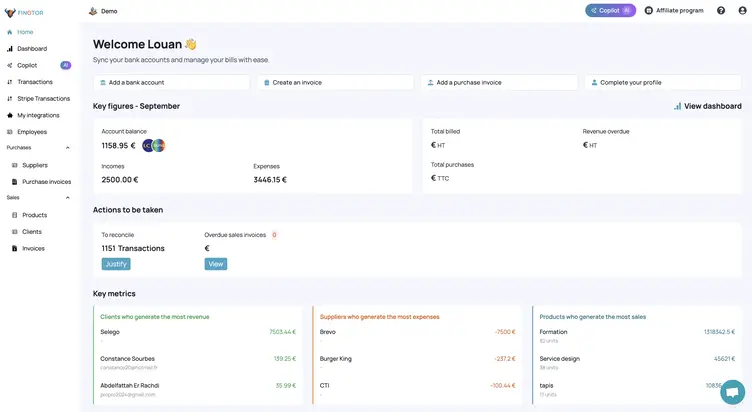
Step 1: Find the Revolut Business bank account to connect
1- Go to ”My integrations” in the left-hand vertical menu
2- Click on ”Add a bank account”.

Step 2: Select Revolut Business
In the window that appears, write “Revolut” and select it.
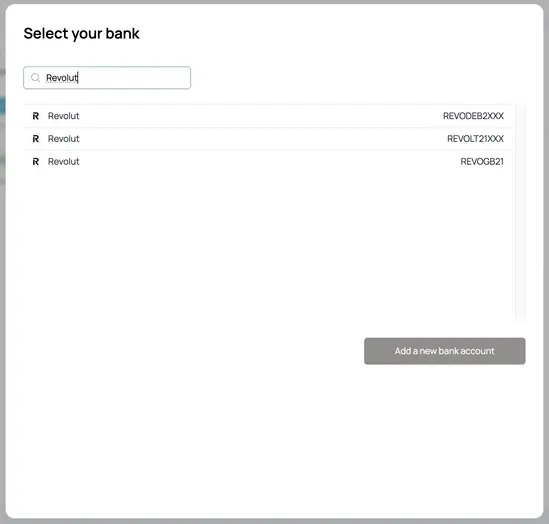
– Click on the “Add a new bank account” button
With Revolut Business, if you have an IBAN in IE, BE, FR,… you can select: REVOLT21XXX
Step 3: Connection and synchronization process between Revolut Business and Finotor
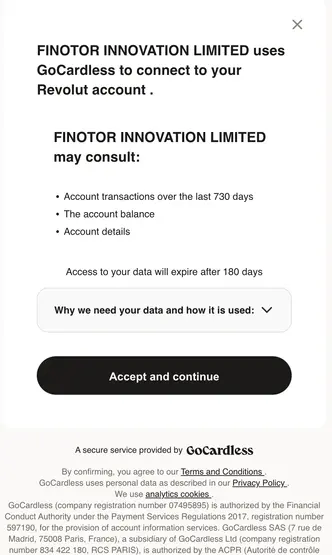
You then exit Finotor and enter the Revolut Business validation process.
FINOTOR will be able to view:
- Account transactions over the last 730 days
- Account balance
- Account details
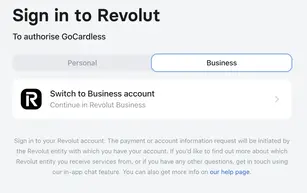
Access to your data will expire after 180 days. In this case, you will need to reconnect to your account with a single click.