
Connect your Bunq bank account to Finotor

When you connect Bunq, your online bank accounts to Finotor for centralized financial management, transactions are automatically uploaded and categorized. All you have to do is review and approve the transactions.
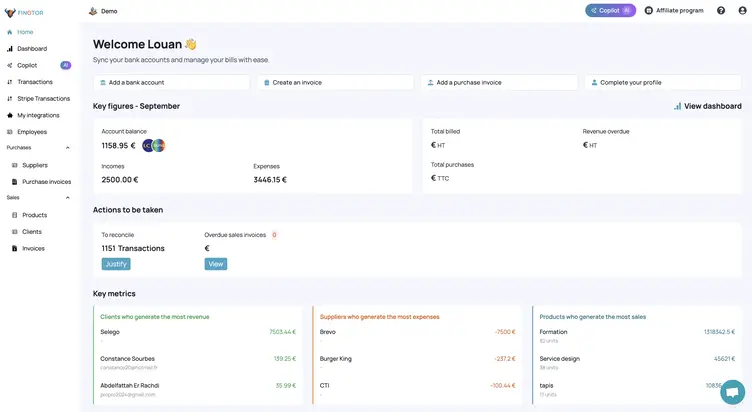
Step 1: Find Bunq bank account to connect
1- Go to ”My integrations” in the left-hand vertical menu
2- Click on ”Add a bank account”.

Step 2: Select Bunq
In the window that appears, write “Bunq” and select it.
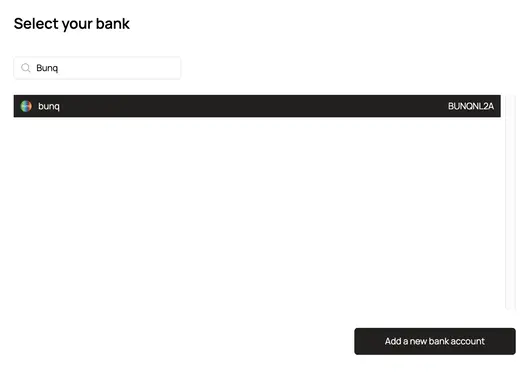
– Click on the “Add a new bank account” button
Step 3: Connection and synchronization process between Bunq and Finotor
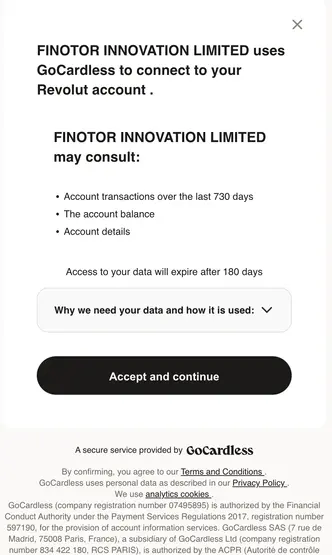
You then exit Finotor and enter the Bunq validation process.
FINOTOR will be able to view:
- Account transactions over the last 730 days
- Account balance
- Account details
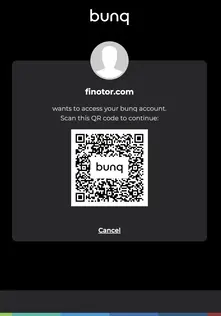
Access to your data will expire after 180 days. In this case, you will need to reconnect to your account with a single click.